Fire Safety Inspection Checklist: What Building Inspectors Need to Document on Site
Fire safety inspections fall apart when the notes are vague.
"Fire hazard noted in utility room" does not help the owner, the manager, or the next person reading your report. Good fire-safety documentation is location-specific, condition-specific, and clear about what was observed without pretending you performed every specialty test in the building.
For building inspectors, that is the real job on site. Document the visible hazards, the obstructed life-safety features, the missing protections, and the testing limitations in a way that still makes sense a week later.
This checklist is built for that workflow.
Important
Fire safety requirements vary by occupancy, jurisdiction, and scope. Use this checklist as a field guide for observable conditions, and align final reporting with your SOP and local requirements.
Start with the Highest-Risk Question
Before you get pulled into small items, ask:
- Can occupants get out safely?
- Are basic fire/life-safety devices present and not obviously compromised?
- Are service rooms, exits, or electrical areas blocked by storage?
- Are there visible conditions that increase ignition risk or reduce emergency response?
If you answer those first, the report stays useful.
A Simple On-Site Sequence
Run the building in this order:
- Exits and egress paths
- Alarm/smoke/CO devices visible on route
- Fire extinguishers and cabinets
- Electrical/service/mechanical rooms
- Kitchens, break rooms, storage areas, and housekeeping hazards
- Final limitation notes and photo check
That sequence catches the items most likely to matter before the low-signal housekeeping notes take over.
Exits and Egress Paths
This is where many of the clearest reportable hazards show up.
Document:
- Exit doors blocked, locked, chained, or difficult to operate
- Hallways, stairs, or corridors narrowed by storage
- Missing or damaged exit hardware where visible
- Emergency lighting or exit signs missing or visibly impaired where applicable
- Trip hazards at egress routes
Take one wide photo showing the path and one closer photo showing the obstruction or hardware condition. Context matters here.
Example language
"Location: Rear exit corridor, first floor. Condition observed: Stored materials reduced clear egress width at time of inspection. Why it matters: Obstructed exit paths can interfere with occupant evacuation during an emergency. Recommend immediate clearing and ongoing maintenance of unobstructed egress."
Alarm, Detection, and Notification Devices
You do not need to overstate what you did.
Document what was present, accessible, and visually observed:
- Smoke alarms or smoke detectors present where expected
- CO alarms present where applicable
- Devices visibly painted over, damaged, covered, removed, or disconnected
- Fire alarm panel present if applicable
- Pull stations, horns, strobes, or detector heads visibly obstructed or damaged
If full testing was not performed, say that directly. Clear limitation language protects the report and helps the reader understand the scope.
Fire Extinguishers and Cabinets
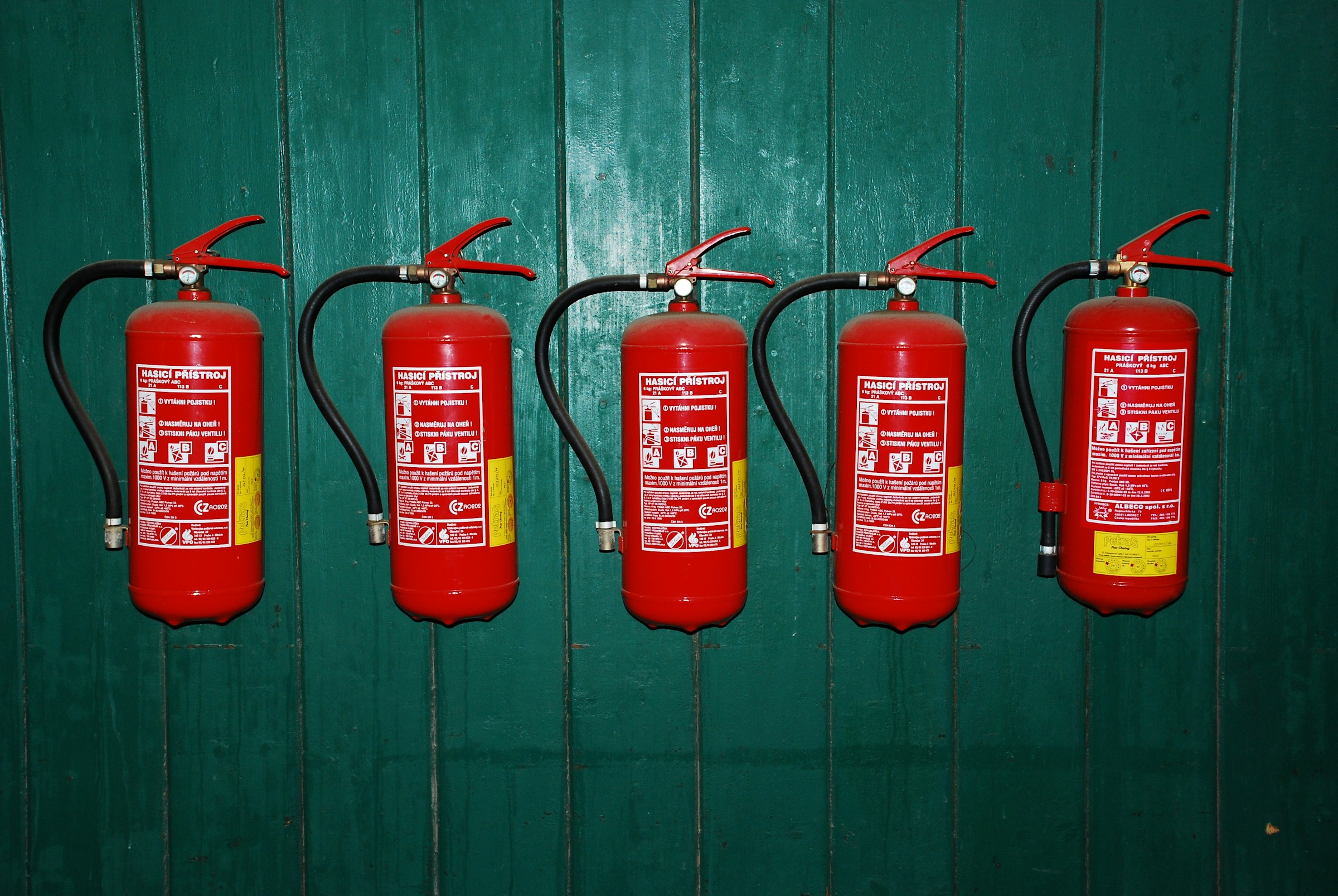
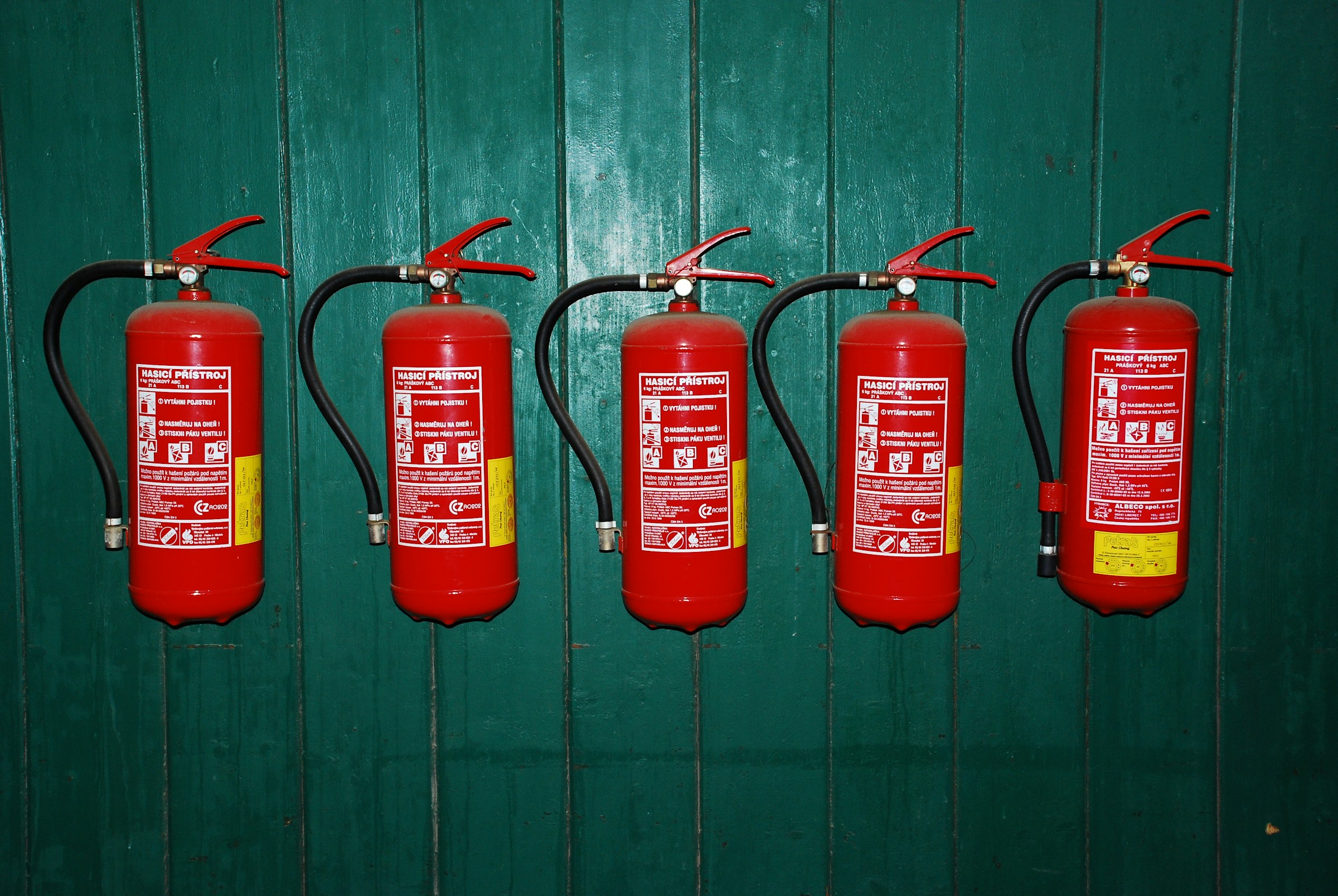
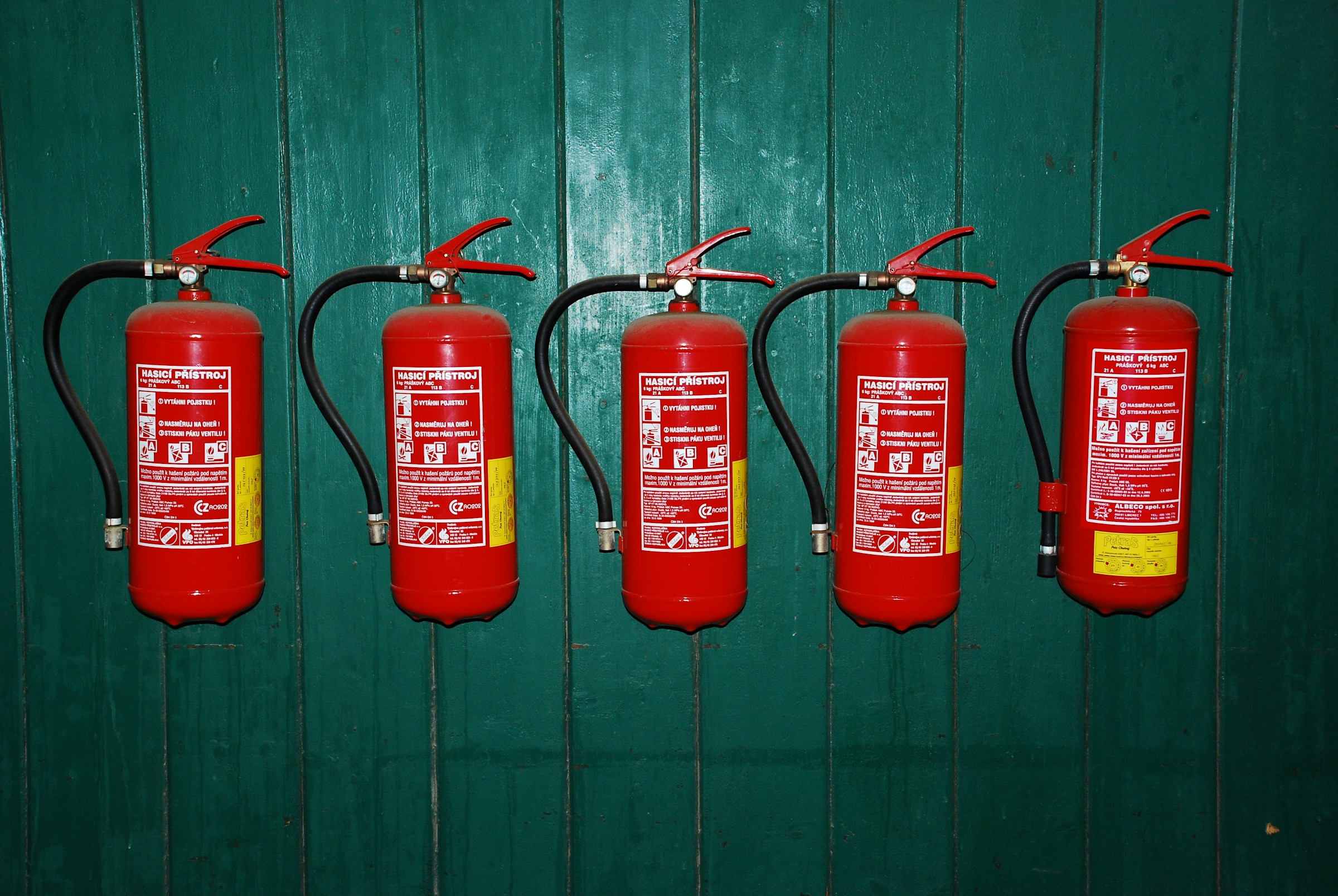
Fire extinguisher issues are common, easy to photograph, and easy to under-document.
Check:
- Unit present where expected within scope
- Mounted and accessible
- Gauge appears in acceptable range if visible
- Inspection/service tag present if visible
- Cabinet or mounting hardware damaged
- Unit blocked by furniture, storage, or equipment
If a location appears to need an extinguisher and none is present, document the observed absence and recommend review based on occupancy requirements rather than guessing the exact code citation.
Electrical and Service-Room Fire Hazards
This is usually the highest-signal area after exits.
Look for:
- Open junction boxes
- Missing panel cover blanks or cover plates
- Evidence of overheating, scorching, or melted insulation
- Improper extension-cord use or daisy-chained power strips
- Storage in front of electrical panels or shutoffs
- Combustibles in mechanical or electrical rooms
These issues tend to create very defensible write-ups because they are specific and observable.
Key Takeaway
When you photograph an electrical hazard, take one shot showing its relation to the panel or room, then a second shot showing the defect itself. That pairing saves time later.
Mechanical Rooms, Utility Spaces, and Housekeeping Hazards
Many fire-risk conditions are not technical failures. They are storage and housekeeping failures.
Document:
- Combustible storage against water heaters, furnaces, or electrical gear
- Missing access to shutoffs, panels, or equipment
- Excess debris accumulation
- Penetrations or openings at rated separations where visibly incomplete
- Improvised wiring or temporary devices in utility rooms
Do not let these get dismissed as "maintenance only" if they affect fire exposure or safe access.
Kitchens, Cooking Areas, and Break Rooms
If the property includes cooking areas, note the conditions most likely to matter in a basic building-inspection context:
- Grease buildup where visible
- Combustibles stored near cooking equipment
- Suppression/hood system present where applicable, visually only unless tested under separate scope
- Portable appliances used in unsafe ways
Again, describe what you saw rather than what you assume.
The Minimum Photo Set for Fire-Safety Reporting
A clean photo package should include:
- Exit/egress overview photos
- Context + close-up for each obstruction or hardware issue
- Alarm/detector/extinguisher deficiencies
- Electrical/service-room hazards
- Storage hazards affecting life safety or equipment access
If you leave without context photos, your later notes are weaker than they need to be.
What to Prioritize in the Report
Prioritize:
- Obstructed or compromised egress
- Missing/damaged life-safety devices
- Electrical fire hazards
- Combustible storage near ignition sources
- Blocked service access affecting emergency response or safe shutdown
Cosmetic or lower-risk housekeeping items can still be mentioned, but they should not bury the hazards that matter most.
Report Language Pattern
Use:
"Location: ____ . Condition observed: ____ . Why it matters: ____ . Recommend: ____ ."
Example: damaged alarm device
"Location: Second-floor corridor smoke detector. Condition observed: Detector appeared painted over at time of inspection. Why it matters: Altered detection devices may not perform as intended. Recommend evaluation/correction by qualified fire alarm service provider or other qualified contractor as appropriate."
Example: panel clearance issue
"Location: Electrical room, main service panel. Condition observed: Stored materials blocked working access in front of panel. Why it matters: Restricted access can interfere with safe operation and emergency response. Recommend removal of stored materials and maintenance of proper access."
State Testing Limits Clearly
Use direct language such as:
"Fire/life-safety devices were visually observed where accessible. Full operational testing, certification review, and code compliance verification were outside the scope of this inspection unless otherwise noted."
That sentence prevents a lot of confusion.
Where ReportWalk Fits
Fire-safety inspections are fast-moving and photo-heavy. ReportWalk helps you capture the location, observed condition, and recommendation while you are standing in front of the blocked exit or open junction box, then attach the supporting photo before moving on.
That is what makes the finished report useful on site, useful in follow-up, and defensible later.