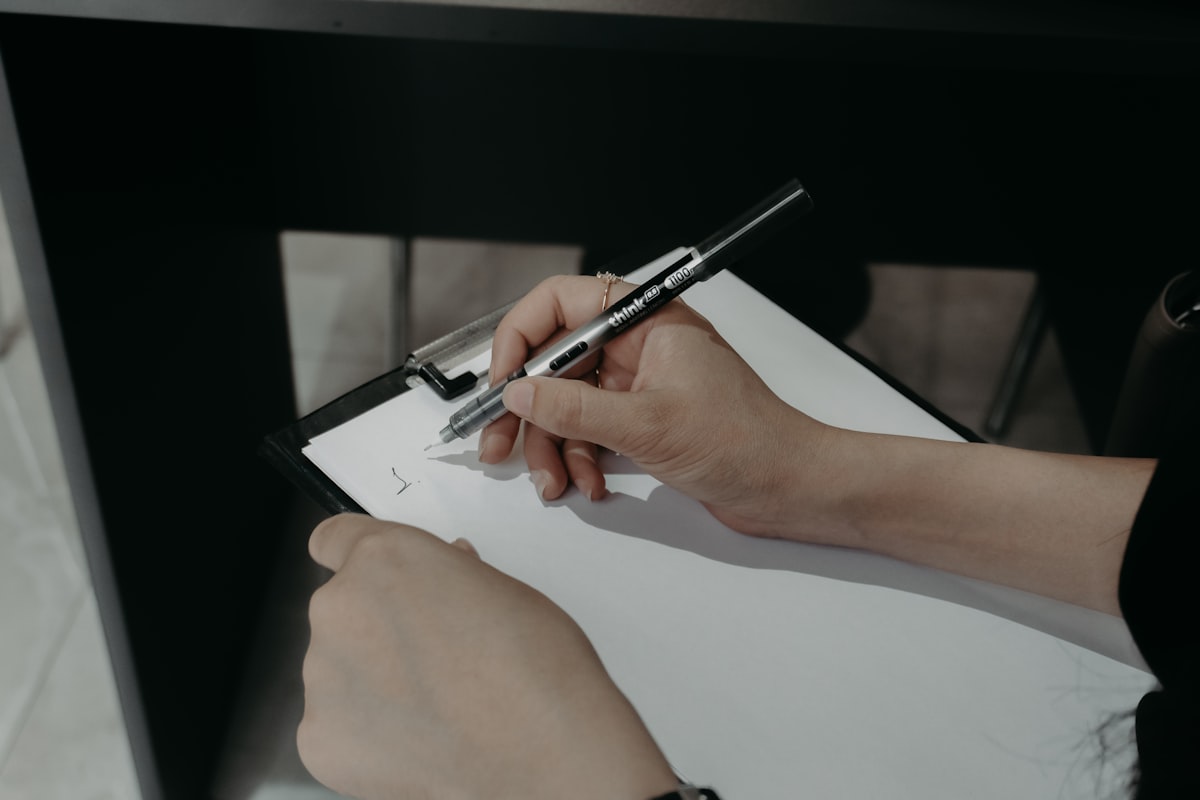
Mobile Inspection App: What Field Inspectors Actually Need On Site in 2026
A mobile inspection app is only useful if it helps you capture the job while you are still on the job.
That sounds obvious, but plenty of inspection apps still behave like desktop software squeezed onto a phone. They look clean in a demo, then slow everything down once you are walking a roof edge, moving through a crawlspace, or trying to document five defects in one mechanical room before the seller's agent starts asking how much longer you need.
For field inspectors, the question is not whether a mobile inspection app has enough features. The question is whether it helps you leave the property with the important observations, photos, and report language already organized instead of waiting for cleanup back at the office.
Note
The strongest mobile workflows still need the same reporting discipline inspectors rely on everywhere else: document observable conditions clearly, note limitations honestly, and tie photos to the actual finding. That approach lines up with practitioner guidance from ASHI and InterNACHI's article on writing a home inspection report.
What a Mobile Inspection App Is Supposed to Replace
Most inspectors are not replacing paper just to feel modern.
They are trying to get rid of the friction that comes from broken field documentation:
- typing long notes with dirty hands
- bouncing between camera roll, notes app, and report software
- forgetting where a defect photo belongs
- rewriting vague shorthand later that no longer makes sense
- finishing inspections in the field but building the real report at night
That is the real promise of a mobile inspection app. It should compress capture, organization, and reporting into one field workflow.
The current search results for this topic are full of vendor pages and broad listicles. Most talk about checklists, cloud sync, and dashboards. Those matter. But for a home inspector, building inspector, or field professional who works alone or with a small team, the deciding issues are more practical:
- Can I move quickly between components?
- Can I attach the right photos without cleanup later?
- Can I document a finding naturally instead of typing like a court reporter?
- Can I keep working when the signal drops?
- Can I finish the report faster without making it weaker?
If the app does not solve those five problems, the rest of the feature list is mostly noise.
The Best Mobile Inspection App Starts With Field Order
Strong inspectors already work in an order.
Maybe you start outside, then roof, attic, electrical, HVAC, plumbing, interiors, and garage. Maybe your commercial route starts with site conditions, envelope, common areas, service rooms, rooftop equipment, then tenant spaces. Either way, your mobile inspection app should reinforce that route instead of making you fight it.
That means the app should let you:
- jump between sections fast
- duplicate repeated defects without rebuilding the note
- keep room or component labels obvious
- attach photos inside the same step where the finding is recorded
- add a limitation before you forget why access was restricted
If the app makes you stop and think about the software more than the building, it is not helping.
For a broader software view, our Digital Inspection Software Guide and Building Inspection Software Comparison cover the category from a higher level. This article is narrower: what the mobile inspection app itself needs to do once you are on site.
1. Offline Use Is Not a Bonus Feature
Inspectors work in dead zones all the time.
You lose signal in basements, crawlspaces, utility rooms, rural properties, new subdivisions, elevator machine rooms, and steel-heavy commercial buildings. If the mobile inspection app depends on a steady connection, it will train you to postpone documentation. That is exactly what you do not want.
A usable mobile inspection app should let you:
- open and edit the inspection without service
- store photos locally until sync is available
- preserve notes if the app gets interrupted
- recover cleanly after reconnecting
- avoid duplicate images or lost sections during sync
This is not glamorous software design. It is basic field survival.
If you want one question to use in every demo, use this one: "What happens if I start an inspection in full signal, lose service for forty minutes, take thirty photos, and reopen the app twice?" The answer tells you more than a pricing sheet ever will.
2. Photos Need to Be Part of the Finding, Not a Separate Job
Every mobile inspection app claims it supports photos.
That is not enough. Inspectors do not just need photo capture. They need photo discipline.
The app should make it easy to:
- take an overview shot and close-up without leaving the report flow
- place the image in the correct section immediately
- add arrows or captions when direction matters
- keep the photo tied to the narrative instead of dumped into a gallery
- show enough context that another person can understand the location later
This matters for client clarity and it matters for defensibility. A defect photo is much more useful when it is already connected to the observation, location, and recommendation in the same workflow.
If your current process still involves inspecting first and organizing images later, read our Inspection Photo Log Template next. The principle is the same whether you use templates or a mobile app: if the photo package is sloppy, the report feels sloppy too.
3. A Mobile Inspection App Should Reduce Typing, Not Just Move It Around
Many apps advertise "mobile reporting" when all they really offer is mobile data entry.
That is different.
Mobile data entry means you are still doing the same job, just on a smaller keyboard. You tap through fields, select canned comments, and promise yourself you will polish the report later. Mobile reporting means the app helps you produce report-ready content while the evidence is in front of you.
That usually requires one or more of these:
- fast reusable narratives
- natural dictation or voice capture
- structured prompts for condition, implication, and recommendation
- fewer taps between observation and finished note
The best mobile inspection app makes it easier to say what you saw in plain language than to hunt through a giant canned comment library.
That matters because weak mobile workflows create weak narratives:
"Recommend repair."
That is not enough.
Stronger field-first narratives sound like this:
"Moisture staining and softened finish were observed at the rear bedroom ceiling below the upper roof valley. No active leakage was observed at the time of inspection. Recommend evaluation and repairs by a qualified roofing contractor and correction of any related interior damage after the source is addressed."
Our Defect Documentation Standards and Home Inspection Report Writing Software go deeper on how that language gets built.
4. Voice Capture Is Where Mobile Can Actually Beat Desktop
This is where a mobile inspection app can become genuinely better than old-school report writing.
Inspectors already talk through houses in their head. Many already explain findings out loud to clients, agents, contractors, or trainees. A smart mobile workflow turns that natural field behavior into usable report content instead of making the inspector stop to type every detail.
But voice only helps if it does more than raw transcription.
Useful voice capture should help you:
- speak hands-free while moving through the property
- preserve location, condition, implication, and next step in one pass
- keep those notes attached to the right section
- reduce office rewrite time instead of creating another transcript to clean up
That distinction is important.
Basic dictation gives you a text blob. A better mobile inspection app turns spoken observations into organized reporting material.
For solo inspectors especially, that can change the math of the whole day. Saving even thirty to sixty minutes of rewrite time per inspection can mean one more job per week or a lot less evening admin.
5. Fast Navigation Beats Fancy Dashboards
Management dashboards are nice. They are not what wins the field.
When you are on site, the best mobile inspection app is the one that gets out of the way:
- large touch targets
- quick movement between sections
- minimal loading between screens
- obvious room or system labels
- fast duplicate and edit actions
- no buried photo or note controls
If every defect takes twelve taps, you will document less than you should. Not because you are careless, but because friction changes behavior.
That is why many inspectors end up with a pile of half-finished sections and a mental note to "clean it up later." The app was supposed to reduce work. Instead, it spread the work across two places.
6. The Final Report Still Has to Read Well
A mobile inspection app is not successful just because the field side feels smooth.
The output still matters:
- Can the client understand what happened?
- Are the important defects obvious?
- Do photos appear where the reader expects them?
- Are limitations easy to spot?
- Does the language sound like an actual inspector instead of a stitched-together template?
This is where many mobile-first tools disappoint. They capture data quickly but produce a report that feels generic, cluttered, or underexplained.
That tradeoff is not worth it.
The right app should help you document faster while still producing a report you would be comfortable defending later. If the app makes speed easy but specificity hard, it is only solving half the problem.
7. How Inspectors Should Evaluate a Mobile Inspection App Before Switching
Do not choose based on a polished demo alone.
Run a field simulation that looks like real work:
- Build a sample inspection with roof, electrical, plumbing, HVAC, interiors, and exterior.
- Add at least ten findings with photos.
- Dictate or type three location-specific narratives.
- Add one limitation and one recommendation in each major section.
- Close the app, reopen it, and confirm nothing gets lost.
- Generate the final report and read it like a client would.
That test will tell you whether the app is genuinely mobile-first or just a desktop workflow wearing a smaller shirt.
For inspectors comparing broader platforms, related posts worth reading are Home Inspection Software: Spectora vs HIP vs Tap Inspect and Home Inspection Report: What's Included and How to Read One. One is about software choices; the other is a good reminder of what the finished deliverable still has to accomplish.
The Best Mobile Inspection App Makes Reconstruction Disappear
That is the real benchmark.
Inspectors do not hate reporting because writing is impossible. They hate reconstructing the inspection after the inspection is over. They hate sorting photos at night, trying to remember whether the crack was in the front-left garage wall or the rear-right foundation stem wall, and rewriting shorthand into something a client can actually use.
A good mobile inspection app removes that reconstruction. It lets you capture the facts while they are visible, connect the photos while the location is obvious, and build the report while the context is still fresh.
If you want that kind of workflow, ReportWalk is built for the part many inspectors still do the hard way. Instead of stopping to type, you can speak findings as you move, keep your hands free for the inspection itself, and turn those observations into structured report content before the details go stale. If that matches how you actually work in the field, you can try ReportWalk on the App Store.